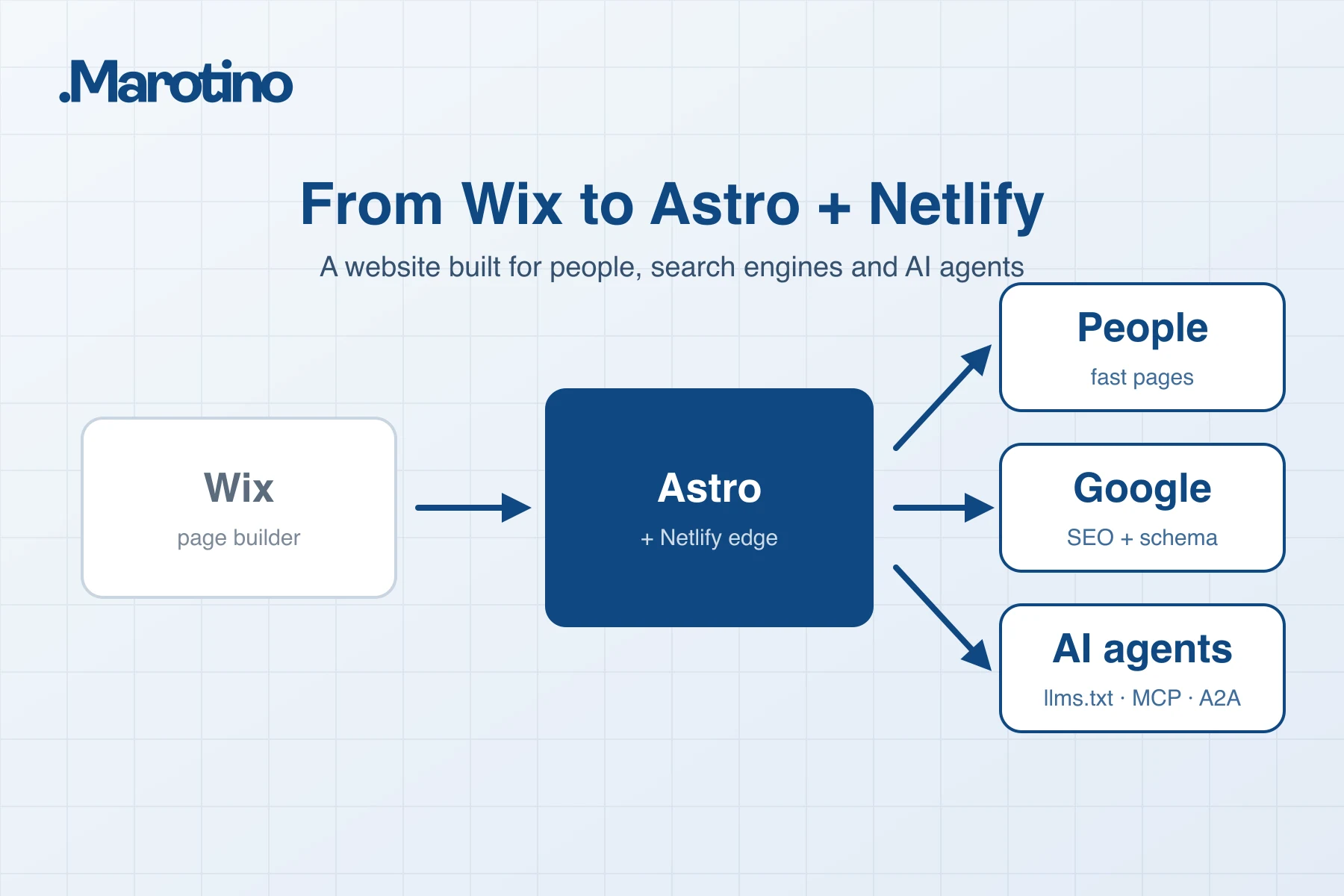
A company website in 2026 has three audiences: people, search engines, and AI systems that answer questions for people. Wix serves the first well. Serving the other two takes control over every byte the site sends, and Astro on Netlify gives you that control.
This is the playbook we use at Marotino when we rebuild a site: what to do, in what order, and the mistakes that quietly cost rankings.
Who this guide is for: CTOs, marketing directors and founders whose Wix site has become a growth channel, and who need a migration plan they can hand to an engineering team or check a vendor against.
The short answer
- Why move: full control over HTML, performance, structured data and the files AI agents read. Wix limits all four.
- What matters most: a complete redirect map on launch day, so no old URL returns a 404.
- What makes it fast: pages served from a CDN (prerendered, or rendered once and cached), minimal JavaScript, and correctly sized images in modern formats.
- What makes Google understand it: one consistent company entity in JSON-LD, correct hreflang, and generated sitemaps.
- What makes AI assistants cite it: answer-first content in self-contained sections, plus clean machine-readable versions of your pages (
llms.txt, Markdown) and, if you want agents to act, an MCP server. - What breaks most migrations: missing redirects, and DNS changes made in the wrong order.
When Wix is enough, and when it is not
Wix is enough for a small brochure site that changes rarely and does not compete on search. We tell prospective clients that plainly.
You outgrow it when any of these become true:
- Organic search or AI assistants are a real acquisition channel.
- You serve several languages and need full control over URLs and hreflang.
- You want structured data designed as one connected graph, or Core Web Vitals that stay “good” on mid-range phones.
- You want AI agents to read your site, search it, or send you an inquiry.
- You need integrations the platform does not offer: your CRM, server-side conversion tracking, a chat assistant grounded in your own content.
| Wix | Astro + Netlify | |
|---|---|---|
| HTML and JavaScript you ship | Defined by the platform | Yours, byte by byte |
| Rendering | Platform-rendered, with a heavy JavaScript runtime | Static or server-rendered, cached on the CDN |
| Structured data | Presets plus custom JSON-LD, within platform limits | Any schema, generated from your own data |
| Multilingual SEO | Built-in, limited control | Full control of URLs, hreflang and canonicals |
| Files and endpoints for AI agents | What the platform generates | llms.txt, Markdown, MCP, A2A, any /.well-known file |
| Deploys | Editor publish | Git-based deploys, previews per branch, instant rollbacks |
If you want a partner to run the whole rebuild, this is the core of our web development service.
Step 1: Inventory everything before you touch anything
Old URLs that stop working are the number one reason migrations lose rankings. Build the inventory before you write any code.
- Export every URL search engines know about. Combine Search Console, Bing Webmaster Tools, the current sitemap and a crawl of the live site. Navigation alone misses a lot.
- Map each old URL to its new home. Wix blog posts, dynamic pages and store products each follow their own patterns. Map them pattern by pattern, then check exceptions by hand.
- Decide what is retired. A retired page gets a 301 to its closest relevant page. A blanket redirect to the homepage is usually treated as a soft 404, so the page’s signals are lost anyway.
- Record the baseline: clicks, impressions and top queries per page for at least three months. Without it, you cannot prove the migration worked.
On Netlify, redirects live in netlify.toml or _redirects next to the code, so they get code review. Two details matter:
- Order is significant. The first matching rule wins, so put exact paths before wildcard rules.
- Existing files win by default. If a file exists at the old path, Netlify serves it and ignores the redirect unless the rule is marked
force = true(a301!in_redirects).
Checklist
- Every indexed URL has a destination
- No redirect chains (A to B to C); every rule points at a final 200 URL
- Old image and PDF URLs covered, not only pages
- Baseline exported from Search Console and Bing Webmaster Tools
Step 2: Make speed the default, not a project
Build performance into the architecture instead of tuning it at the end. Core Web Vitals are part of Google’s page experience signals, measured on real-user data at the 75th percentile of visits. Relevance still outweighs them, but slow pages lose close calls, and they lose visitors.
| Metric | Google’s “good” threshold | Our target |
|---|---|---|
| Largest Contentful Paint (LCP) | 2.5 s or less | under 1.8 s |
| Interaction to Next Paint (INP) | 200 ms or less | under 100 ms |
| Cumulative Layout Shift (CLS) | 0.1 or less | close to 0 |
| Time to First Byte (TTFB) | not a Core Web Vital; 0.8 s or less is the common guideline | under 200 ms from the CDN |
How Astro and Netlify get there:
- Ship HTML, not JavaScript. Astro renders pages to HTML and sends no client-side JavaScript by default. Interactive parts become “islands” that load only their own code.
- Cache on the CDN. Prerendered pages are static files on Netlify’s CDN. Server-rendered pages can be cached too: send
Netlify-CDN-Cache-Controlwith a long lifetime, let each deploy invalidate it, and vary the cache only on what really changes the page. For example,Netlify-Vary: cookie=langkeeps one cached copy per language cookie instead of none. - Keep per-visitor logic out of the cached page. Anything that depends on the visitor, such as their country for the cookie banner, belongs in an edge function or a small script, not in the cached HTML. Otherwise the first visitor’s country gets served to everyone.
- Size images for their slot. Astro’s image tooling outputs AVIF or WebP at the right dimensions with explicit width and height, which prevents most LCP and CLS problems.
- Enforce it. We treat a Lighthouse score of 99 or more in all four categories as a release rule, not an aspiration. Lighthouse is lab data and cannot measure INP, so we also watch field data in Search Console after launch.
Step 3: International SEO without contradictions
Hreflang tells Google which language version to show to which user. It is easy to get subtly wrong, because nothing visibly breaks.
The rules we follow:
- Every version lists all versions, including itself, and each alternate must link back. Hreflang that is not reciprocal is ignored. Add
x-defaultfor the version that should catch everyone else. - Use valid codes. Language in ISO 639-1 (
de), optionally with a region in ISO 3166-1 alpha-2 (es-ES). A region alone is invalid. - Each language version is its own canonical. Pointing every language at the English canonical tells Google the translations are duplicates, and they drop out of the index.
- Emit hreflang from one place. A common bug is a layout that prints the full set while a page template prints its own, shorter one. Conflicting annotations are likely to be ignored.
- Keep the sitemap and the page head in agreement. Either method works; if you use both, generate them from one route inventory so they cannot drift.
- Only list pages that exist. A page translated into three of ten languages advertises only those three. Every alternate must be an indexable URL that returns 200, not a redirect or a noindex page.
Step 4: Structured data that describes one real entity
Search engines and language models assemble a picture of your company from structured data. Give them one coherent picture, not a dozen fragments.
- Define one Organization with a stable
@id(for examplehttps://yourdomain.com/#organization) and reference it everywhere instead of redefining it. - Layer schemas per page type:
WebSiteandOrganizationsitewide,Serviceon service pages,ArticleorBlogPostingon posts with a realauthoranddateModified, andBreadcrumbListon every page below the homepage. - Mark up FAQs for meaning, not for rich results.
FAQPagemarkup still describes content clearly, but since 2023 Google shows FAQ rich results only for authoritative government and health sites. Do not plan on them. - Add
sameAslinks to profiles that confirm who you are, such as LinkedIn, Clutch, GitHub or Crunchbase. - Check that every URL in your markup resolves. A logo that returns 404 is small, and avoidable.
- Never fabricate. Review markup must reflect real reviews, and Google does not show stars for reviews a business publishes about itself. Misleading markup can earn a manual action.
- Validate every template, not only the homepage, with the Rich Results Test and the Schema.org validator.
Step 5: Write content that AI can quote
AI assistants retrieve pages much as search engines do, then quote passages. Clear, self-contained passages are what get cited.
- Answer first. Put the direct answer in the first one or two sentences under each heading, then the detail.
- Use headings that match real questions, such as “How long does a Wix to Astro migration take?”
- Keep sections self-contained. A passage lifted out of the page should still make sense.
- Prefer tables and lists for comparisons, steps and specifications.
- Be specific. “Pages are cached on the CDN until the next deploy” is quotable; “blazing-fast performance” is not.
- Show real authorship and a real
dateModified, changed only when the content actually changed.
Two additions make content easier for language models to consume:
/llms.txt: a Markdown file at the site root with your company name, a short summary and annotated links to key pages. It is a 2024 community proposal, not a standard, and no major search engine has said it uses it for ranking. We add it because it is cheap and gives agents that fetch it an accurate map. Generate it from the same route inventory as your sitemap.- Markdown versions of pages: return the main content without navigation and footer when a client sends
Accept: text/markdown, or at a parallel.mdURL. With content negotiation, sendVary: Acceptso the CDN never serves Markdown to browsers.
Step 6: Make the site agent-ready
After readable comes usable. AI agents increasingly act for people: they compare suppliers, check details and send inquiries. A small set of open protocols lets them do that on your site without scraping it.
| Layer | What it does | Effort |
|---|---|---|
robots.txt with AI crawler rules and Content Signals | States which crawlers are welcome and whether content may be used for search, AI answers or training | Hours |
Link headers (RFC 8288) and /.well-known/api-catalog (RFC 9727) | Tells agents where your machine-readable endpoints are | Hours |
| MCP server | Lets assistants search your services and case studies, and send an inquiry through your real form | Days |
| A2A agent | Lets other agents talk to your own assistant, the one behind your site chat | Days |
| WebMCP | Exposes the same tools inside the page, for agents that operate a browser | Hours, once MCP exists |
Agent skills and an ARD ai-catalog | One index that lists all of the above | Hours |
| DNS-AID with DNSSEC | Signed DNS records that point agents at your endpoints | Hours, done carefully |
In one line each: MCP (Model Context Protocol, introduced by Anthropic in 2024) lets AI assistants call tools over HTTP. A2A (Agent2Agent, started by Google, now at the Linux Foundation) lets agents talk to agents, each described by an Agent Card. WebMCP is an early W3C community proposal for pages to register tools with in-browser agents; treat it as experimental. DNS-AID is an IETF draft for publishing agent endpoints in DNS, which is only trustworthy with DNSSEC.
Three rules keep this layer honest:
- Every manifest must describe something that works. A card listing tools with no server behind them is worse than no card.
- Reuse one source of truth. MCP tools,
llms.txtand sitemaps should read from the same route inventory. - Keep write actions on existing rails. An inquiry sent by an agent should pass through the same form, spam filtering and CRM path as one sent by a person.
Cloudflare’s free scanner at isitagentready.com shows where a site stands. Checks such as payments and OAuth apply mainly to shops and apps with logins; a services company can reach the top level without them. If you want an assistant or agent behind these endpoints, that is what our AI agents team builds.
Step 7: Analytics and consent that do not break
A migration is the moment to fix tracking, not copy its problems.
- Consent Mode v2 by region. Default to “denied” in the EEA, the UK and Switzerland, where Google requires consent for ad measurement and personalization, and follow local law elsewhere. A Netlify edge function can read the visitor’s country and set defaults before any tag loads.
- Count leads on the server. A form that “sent” in the browser has not necessarily been stored. Fire the conversion from the form’s webhook after the submission is saved, then send it to GA4 (Measurement Protocol) and Google Ads (offline or enhanced conversions). Pass the consent state along: server-side does not mean consent-free.
- Keep third-party scripts off the critical path. Load them after the page is usable. One chat widget loaded too early can undo the INP work from Step 2.
Step 8: Build an indexing pipeline
- Split sitemaps by section (pages, case studies, blog) under one sitemap index. Generate them, with accurate
lastmoddates. Google ignorespriorityandchangefreq, and trustslastmodonly when it is consistently accurate. - Ping IndexNow on every production deploy, so Bing, Yandex, Seznam, Naver and other participating engines learn about changes within minutes. Google does not use IndexNow; it relies on sitemaps and crawling.
- Submit the new sitemaps in Search Console and Bing Webmaster Tools on launch day.
- Watch the reports for four to eight weeks: page indexing, hreflang and structured data errors, and the queries of your top pages against the baseline from Step 1.
Step 9: Migration day and DNS
Most of the risk sits in one hour of DNS changes. Plan it like a production release, with a runbook and a rollback.
- Lower TTLs a day or two ahead, so mistakes can be corrected in minutes, not hours.
- Copy every DNS record, not only the website ones. Mail (MX, SPF, DKIM, DMARC), verification records and subdomains for your CRM or chat must exist at the new provider before you switch nameservers.
- Check for URL forwards. Registrars often implement “forward this subdomain” with their own servers. Recreate those as redirect rules before the switch, or they disappear.
- Point the domain at Netlify the supported way. Use Netlify DNS, or at an external provider an ALIAS, ANAME or flattened record for the apex and a CNAME for
www. - Do not put a second CDN in front of Netlify. Netlify advises against it: it adds a cache you must purge separately, hides visitor location from edge functions, and can break certificate renewal. Keep the site’s records DNS-only.
- Handle DNSSEC in the right order. If the old zone is signed, remove its DS record at the registrar and let the DS TTL expire before switching nameservers. On the new provider, enable signing first, wait at least the longest TTL in the zone, and only then add the new DS record at the registrar. Adding it too early breaks resolution for everyone behind a validating resolver.
- Test from outside your network, since your machine caches old answers. Then crawl the old URL list and confirm every entry returns a 301 to a 200.
Mistakes we see most often
- Redirecting every retired page to the homepage.
- Redirects that never fire because an old file still exists at the same path.
- Two hreflang sets on the same page, or alternates that do not link back.
- Every language version canonicalized to English.
- Schema that references images or pages that do not exist.
- Server-rendered pages with no CDN caching, or per-visitor data baked into a cached page.
- Agent manifests describing tools that were never built.
- DNS switched before the new zone was complete, or a stale DS record left at the registrar.
What this looks like in practice
We rebuilt our own site, marotino.com, from Wix on Astro and Netlify using this playbook. Today it serves 19 languages and about 1,500 indexable URLs from generated sitemaps, with pages cached on Netlify’s CDN and IndexNow pinged on every deploy.
For machines, it publishes llms.txt and Markdown versions of its pages, runs a live MCP server at /mcp, and runs an A2A agent at /a2a connected to the same assistant as the website chat. It also exposes WebMCP tools, an ARD ai-catalog, and DNS-AID records signed with DNSSEC. Cloudflare’s isitagentready.com rates it “Agent-Native”, the highest level.
For measurement, Consent Mode v2 applies by region, and lead conversions are sent server-side from the form webhook.
We use the same approach for client sites, from service companies to online stores; see our work.
FAQ
How long does a Wix to Astro migration take?
A typical company website takes a few weeks from inventory to launch. The main variables are the number of pages and languages, how much content needs rewriting, and the integrations involved, such as CRM, forms, analytics and chat. The agent-ready layer adds days, not weeks, on top.
Will I lose my Google rankings when I leave Wix?
Not if every old URL has a 301 redirect to its closest new equivalent and the content stays at least as good. Fluctuation for a few weeks while Google recrawls is normal. A sustained drop almost always traces back to missing redirects, lost content, or broken hreflang and canonicals.
Can my team still edit content without a developer?
Yes. Astro works with headless CMSs and with Markdown files in Git, edited through a simple web interface. Every change gets a preview before it goes live.
Is Netlify expensive compared to Wix?
For most company websites, hosting costs are in the same range or lower. The larger cost is the rebuild itself, which depends on scope. Our cost guide explains what drives it.
What is llms.txt, and do I need it?
llms.txt is a proposed Markdown file at the root of a site that summarizes the company and links to its key pages, so language models and agents can understand the site without crawling all of it. It is not an official standard, and no major search engine has confirmed using it for ranking. It takes little effort, so we treat it as a low-cost addition, not a ranking tactic.
What is an MCP server on a website?
MCP (Model Context Protocol) is an open protocol that lets AI assistants use tools. A website MCP server lets an assistant search your services and case studies and, when the user asks, send you an inquiry through your real contact form, without scraping your pages.
Want this for your site?
We plan and build migrations like this end to end: inventory and redirects, design, content, SEO, analytics, and the agent-ready layer. Tell us about your site, and we will come back with a plan.